Subscribers
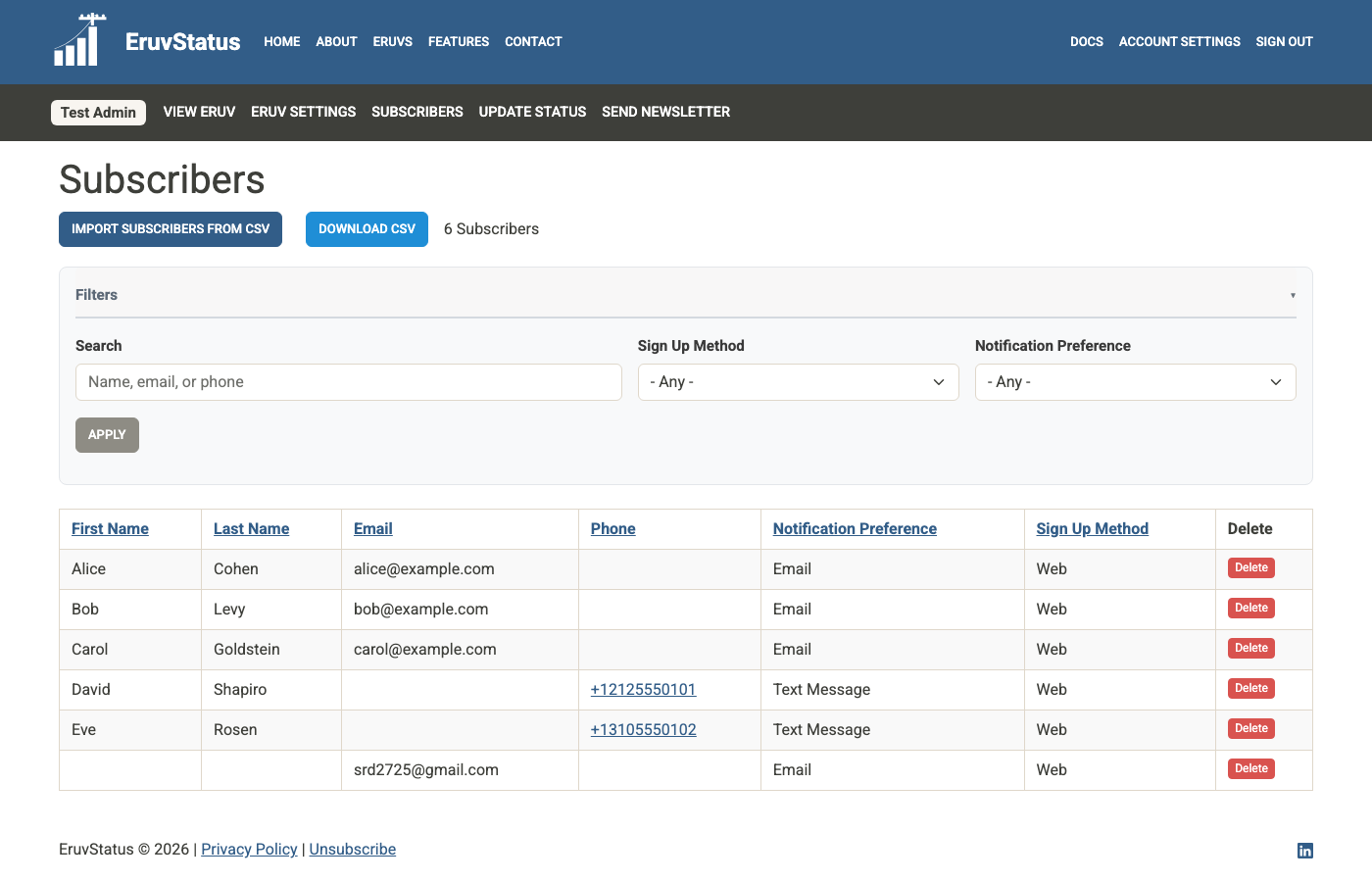
The Subscribers page shows the people who are signed up to receive notifications for your eruv.
What you can do here
- view current subscribers
- filter the list
- search by name, email, or phone
- sort by column headings
- delete a subscriber
- download a CSV export
- open the CSV import tool
Helpful columns
Depending on your data, you may see columns for:
- email address
- phone number
- first name
- last name
- notification preference
- sign up method
- created date
The Sign Up Method field helps you tell whether someone subscribed on the website or by texting your SMS keyword.
Filters and search
Use the Filters panel to narrow the list. You can filter by fields such as:
- notification preference
- sign up method
- free-text search
The search box matches first name, last name, email address, and phone number.
Delete a subscriber
Use the Delete action for spam entries or when someone asks to be removed manually.
Be careful: deleting a subscriber removes them from your notification list right away.
Download CSV
Use Download CSV when you want a spreadsheet copy of your current subscriber list.
This is useful for backups, offline review, or preparing a cleaned list for re-import.